Markets and indices
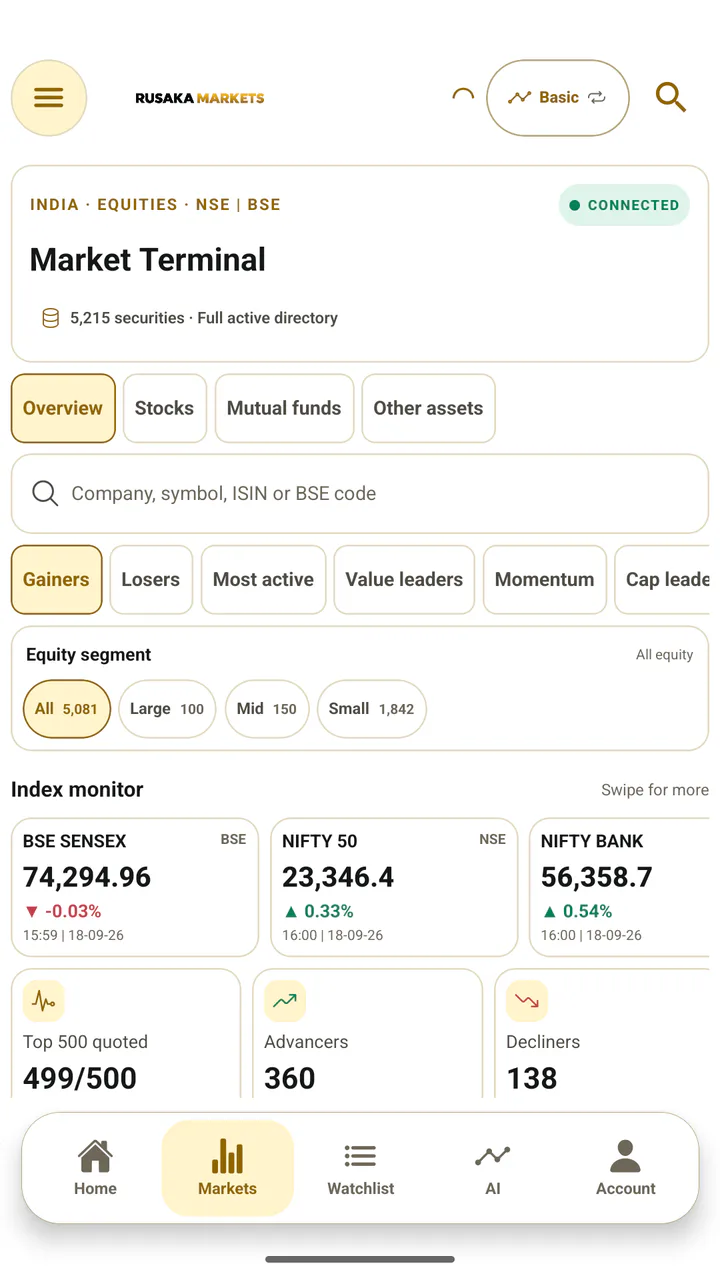
Search the equity directory, review the six core indices, and open broader index constituents with freshness context.
Open the right place
Basic → Markets
Fast loading
Markets first renders a compact cached directory and high-priority index data. Additional breadth loads in the background so the first useful view appears quickly.
Open a company
- Search by company name or exchange symbol.
- Confirm the exchange and instrument before selecting the result.
- Open the company to review price, fundamentals, chart, filings context, and research tools.
Index constituents
Open All indices, select an index, and choose a constituent. The company reference is passed by canonical instrument identifiers so the correct company screen can load.
Relevant screen referenceMarkets directory and index workspace. Quotes and labels may change with live data.
Verify before you leave
- Search results show the intended symbol and exchange.
- The first useful market shell appears before deferred data finishes hydrating.
- A constituent opens the canonical company record without a missing-reference error.